Essential Jimdo Tools for Social Media Integration
1. Social Media Buttons
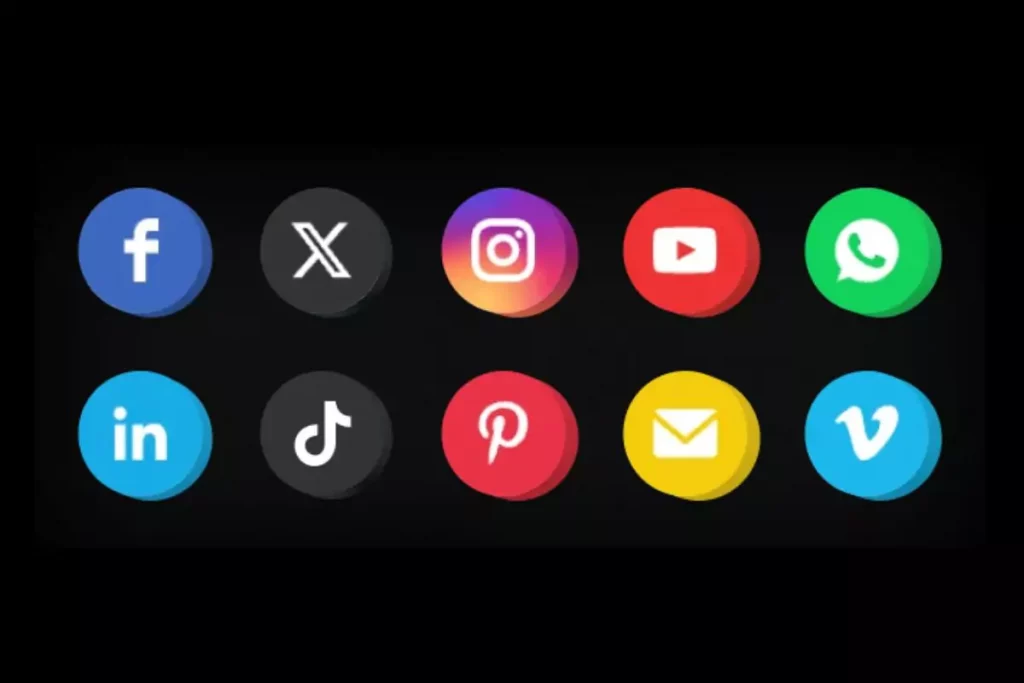
Jimdo allows you to add social media buttons directly to your website. Visitors can easily find and follow your Facebook, Instagram, LinkedIn, or Twitter profiles. This seamless connection ensures your audience stays engaged with your brand across platforms, increasing your chances of building long-term client relationships.
2. Social Media Feeds
With Jimdo, you can embed live social media feeds onto your website. This means your latest Instagram photos, tweets, or Facebook updates appear automatically. By showcasing fresh, real-time content, your website feels active and engaging, helping visitors connect with your work and personality instantly.
3. Share Buttons for Content
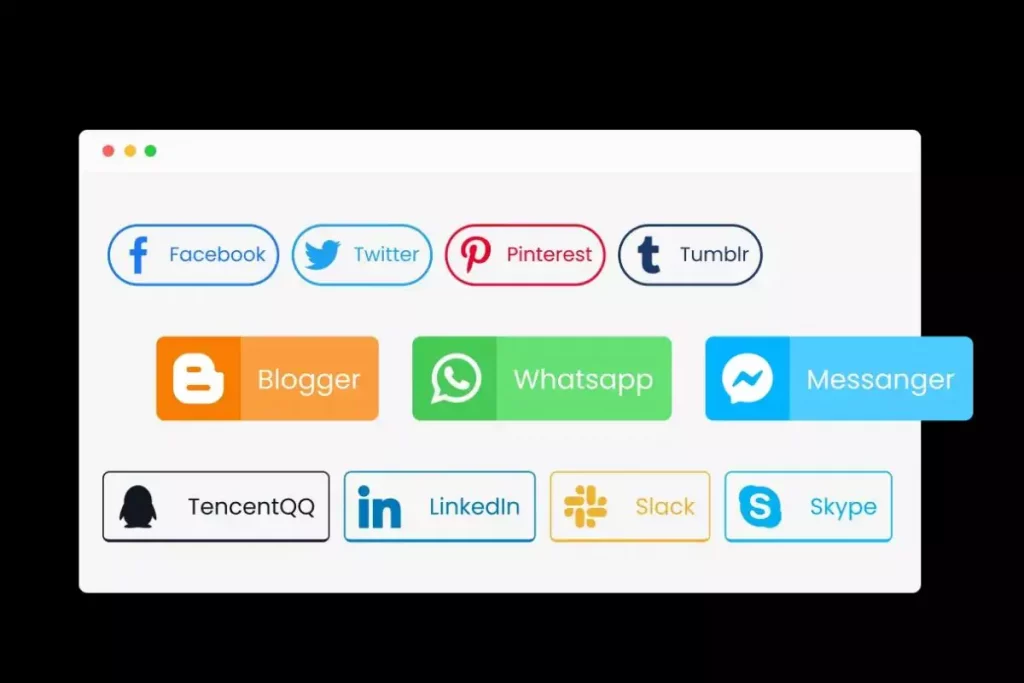
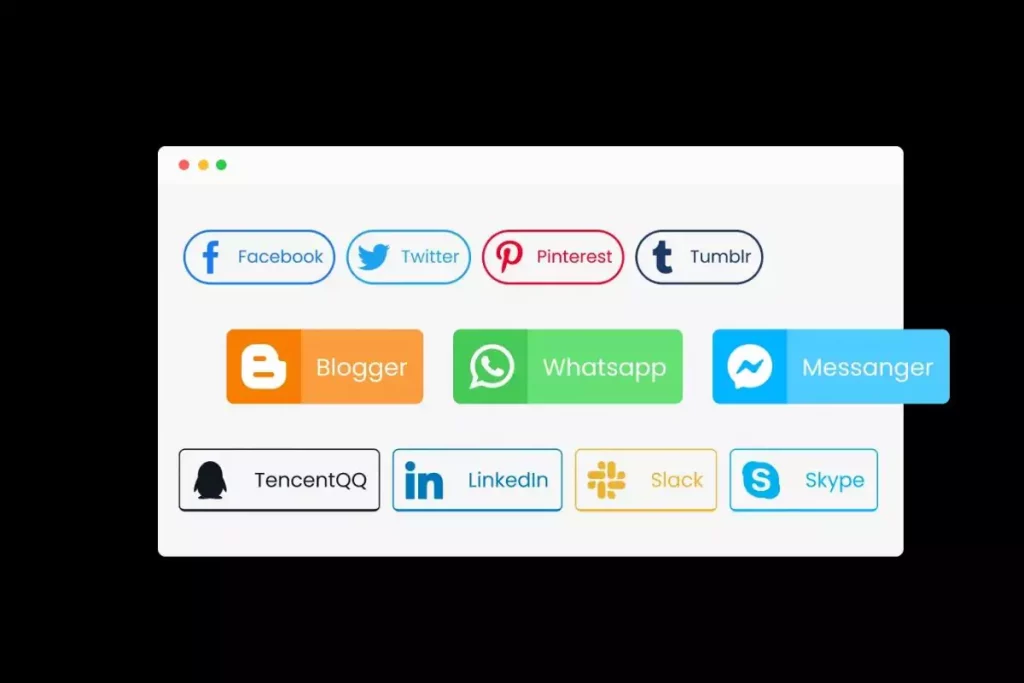
Jimdo makes it simple for visitors to share your blog posts, products, or portfolio pieces on their own social media. Integrated share buttons help your content reach wider audiences organically. This word-of-mouth sharing boosts traffic, increases brand exposure, and allows self-employed professionals to expand their reach with minimal effort.
4. Image and Content Optimization
Jimdo automatically optimizes your images and content for social sharing. That means when someone shares your website, the right titles, descriptions, and thumbnails appear. This professional presentation makes your brand look polished and trustworthy across all platforms, encouraging more clicks and engagement.
5. Analytics Integration
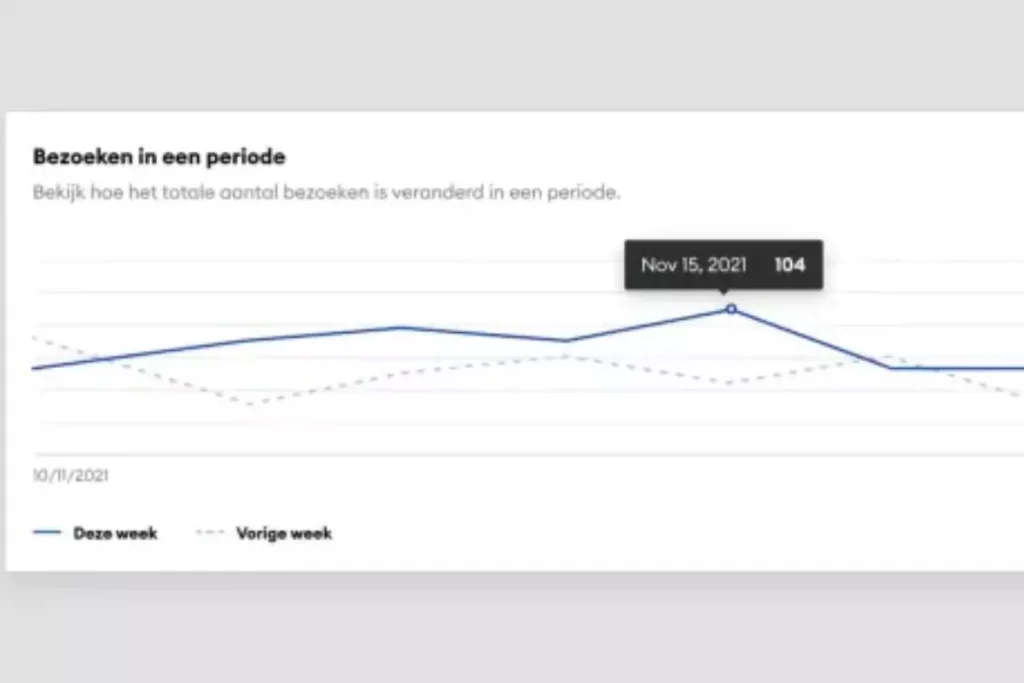
Social media works best when you measure results. Jimdo integrates with analytics tools, allowing you to track how much traffic comes from social platforms. This helps self-employed professionals understand which networks drive the most engagement, so they can focus on the right channels and grow strategically.