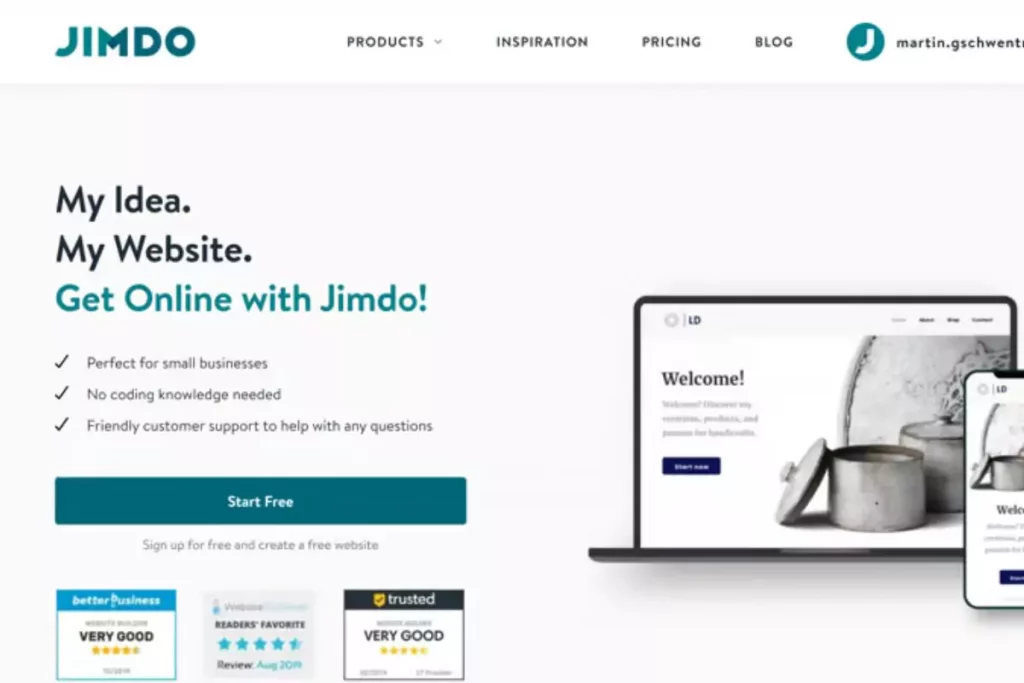
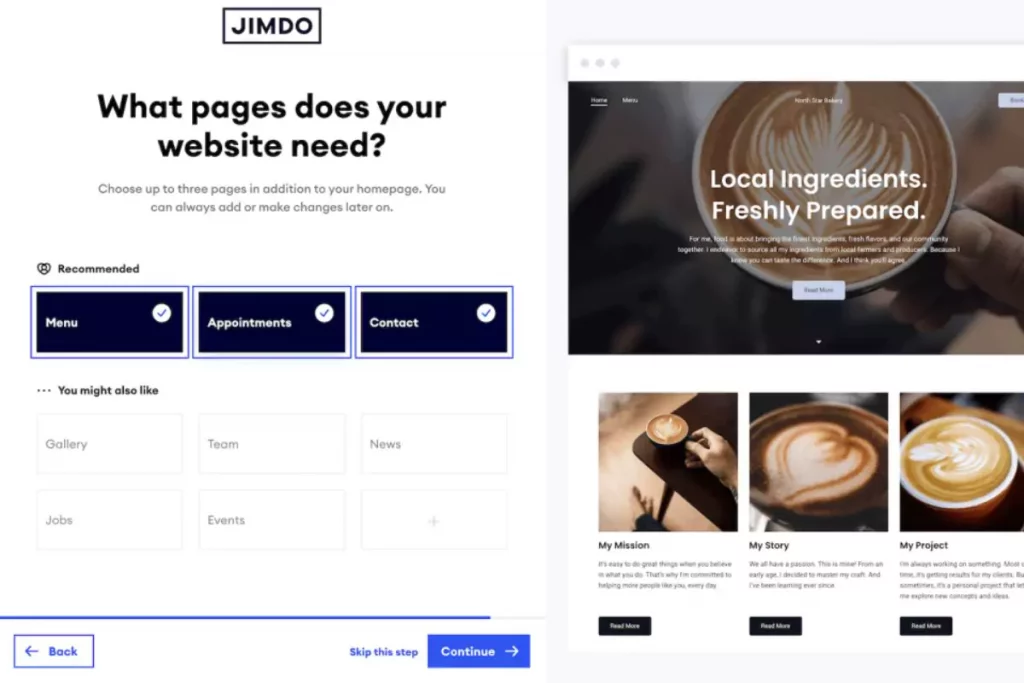
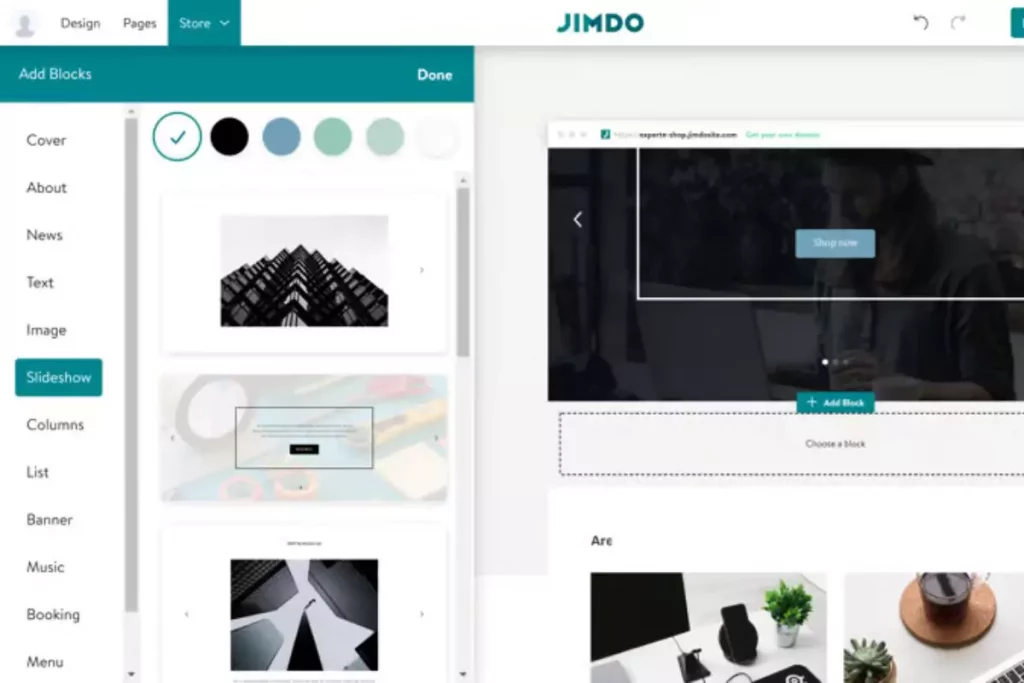
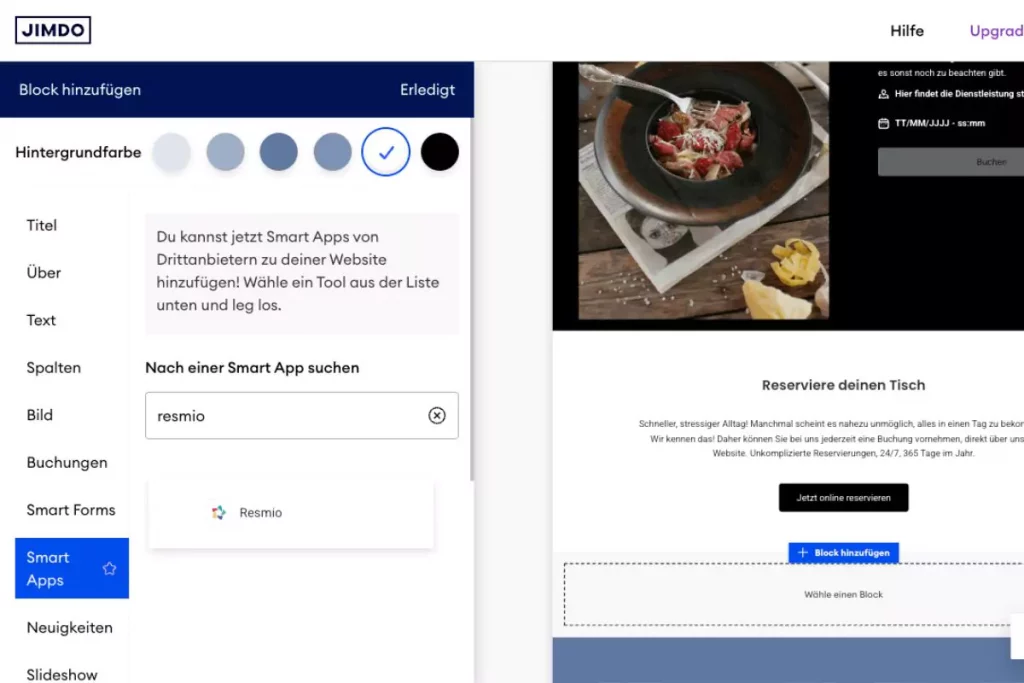
Begin by signing up for a Jimdo account and selecting Online Store as your website type. From there, explore Jimdo’s template library and choose one that reflects your brand’s personality- whether minimalist, bold, or image-heavy. The right template sets the tone for your entire shop.
Add Products & Customize Your Store Design
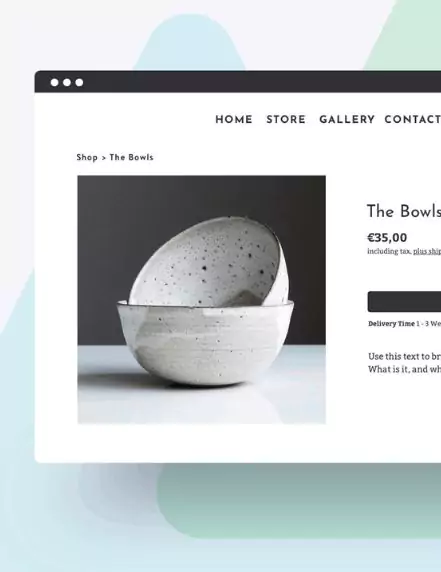
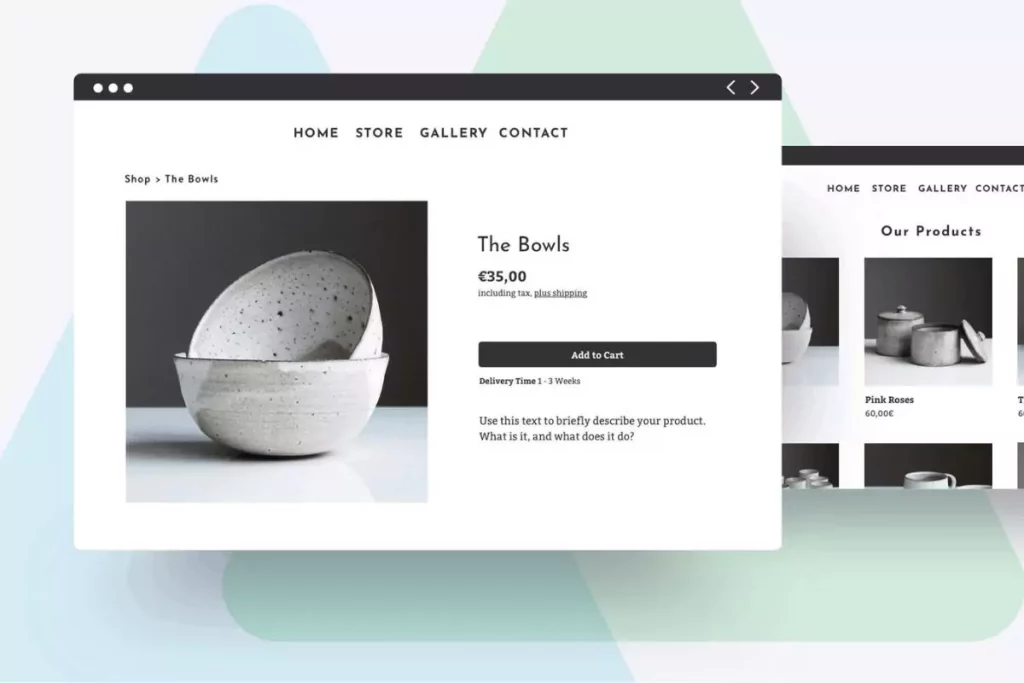
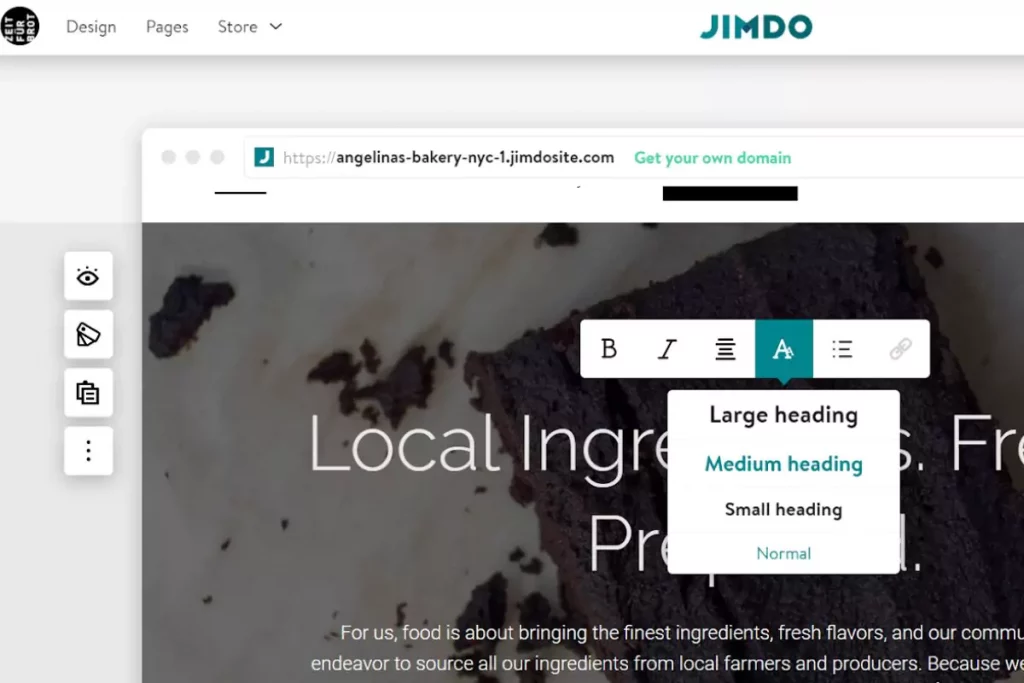
Upload high-quality product photos, write clear descriptions, and set accurate prices. Group similar products into categories so customers can easily find what they need. Once your catalog is ready, personalize your store by adjusting colors, fonts, and layouts. This step makes your shop stand out and feel professional.
Set Up Payments & Shipping Options
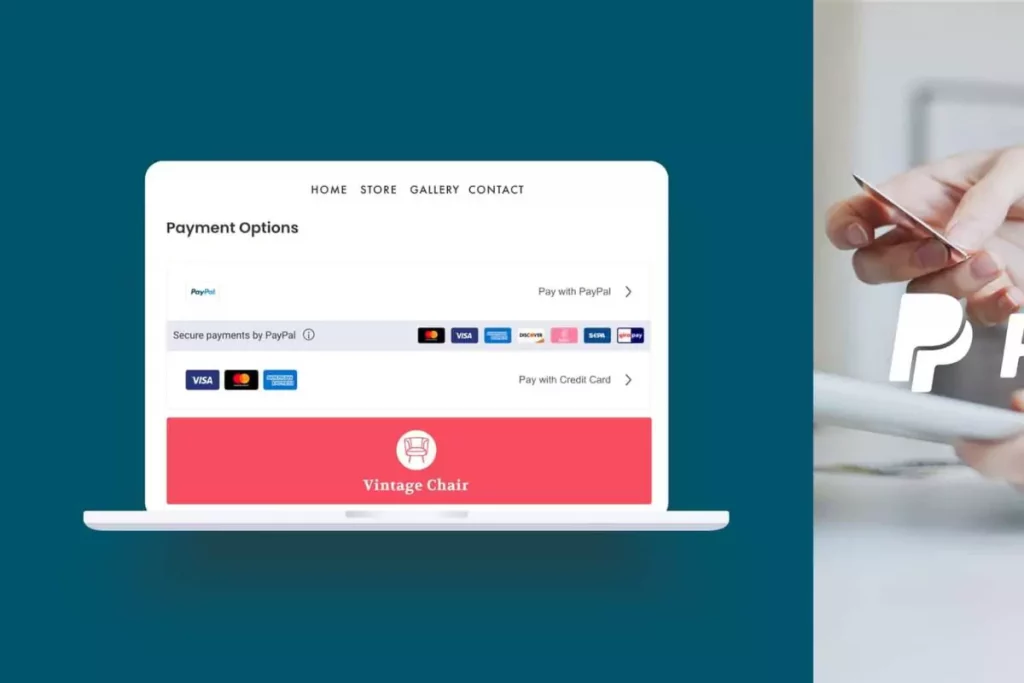
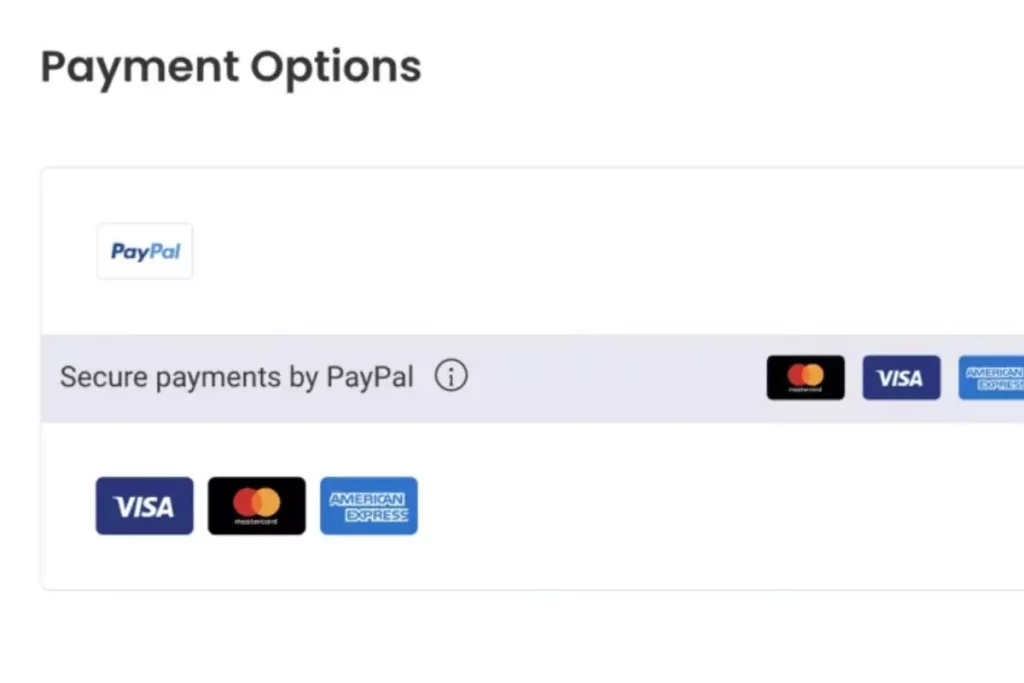
Connect your preferred payment gateways like PayPal, Stripe, or bank transfer so customers can pay securely. Then configure shipping by defining delivery zones, adding shipping rates, and choosing methods that suit your business- whether local delivery, standard shipping, or express options.
Test, Publish & Start Promoting
Before going live, preview your store on both desktop and mobile to ensure everything looks good and works smoothly. Run a test checkout to confirm payments and shipping are set up correctly. Once you’re ready, publish your store and start promoting it using SEO, social media, and email marketing to bring in your first customers.